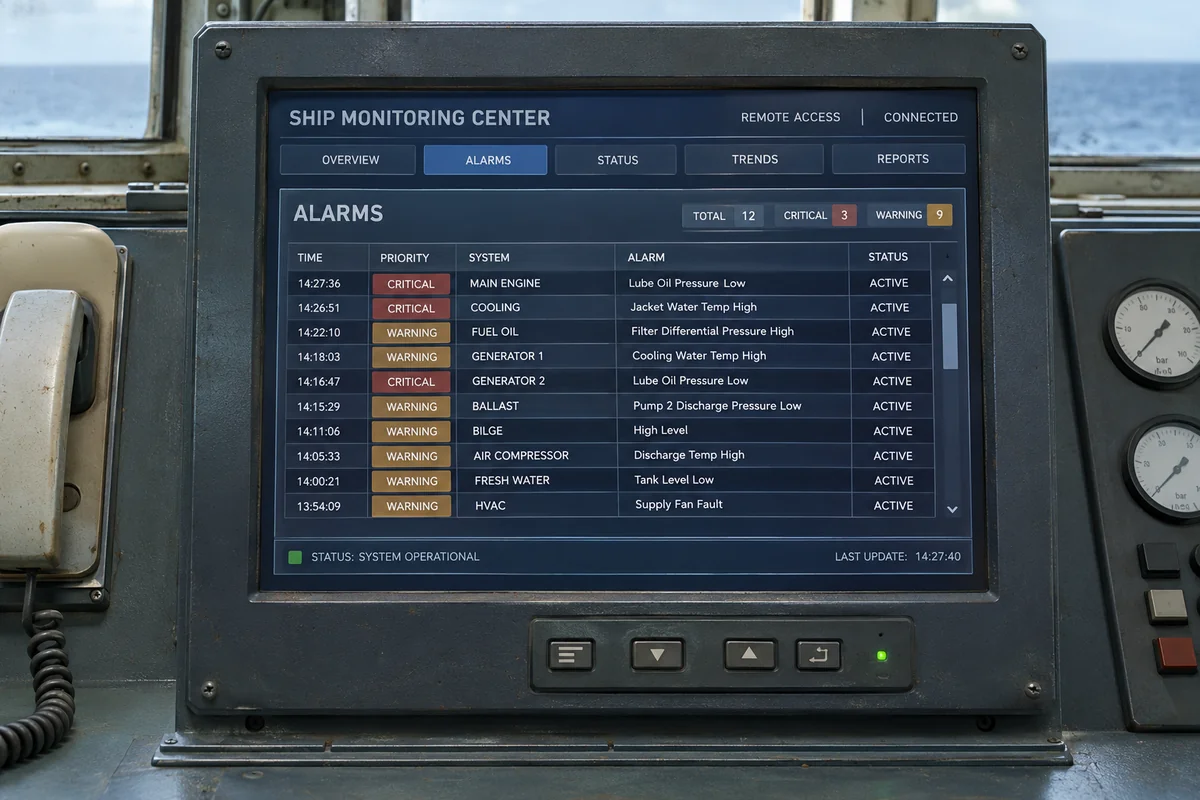
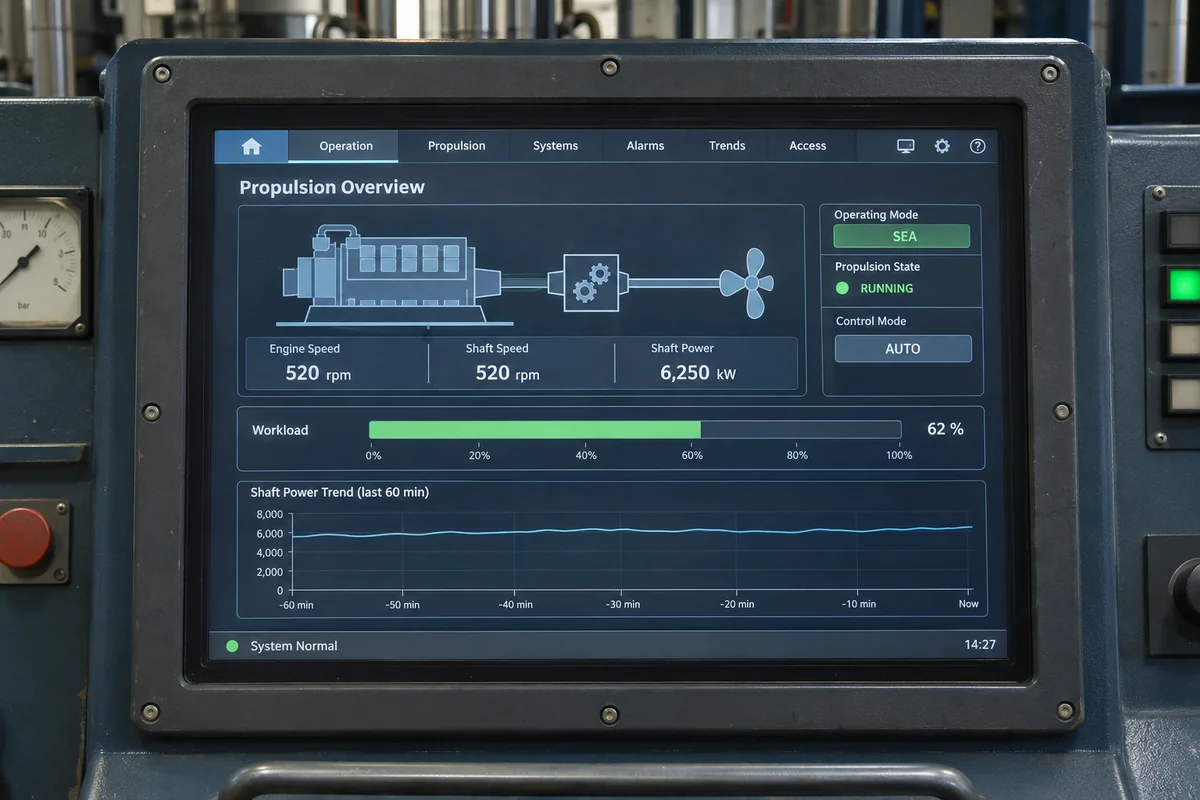
What does PiKVM do?
PiKVM is open-source KVM-over-IP technology for viewing a screen and sending keyboard and mouse input over a network.
Read the official PiKVM handbook
SMC uses PiKVM to provide browser access to compatible vessel and facility operator displays. Authorized sessions can send keyboard and mouse input within the assigned permissions.
Discuss a custom installation
PiKVM is open-source KVM-over-IP technology for viewing a screen and sending keyboard and mouse input over a network.
Read the official PiKVM handbookDepending on the installation, authorized technical staff can view compatible stations such as ship alarms, ballast valves, MOP, and Wärtsilä WECS.
Explore vessel display examplesIn an SMC installation, users can connect only to devices they have permission to access. System sign-ins are logged.
For valve and ballast controls, ship alarms, and MOP panels, the crew must enable remote control at a physical button before a remote operator can issue commands or change values.
Review cybersecurity requirementsTechnical staff view an approved ship alarm display remotely and review the records with the crew. If a value needs changing on a critical panel, the crew enables remote control using the local button.