Remote Access Panel
Select a station to explore an example of its vessel operator display.
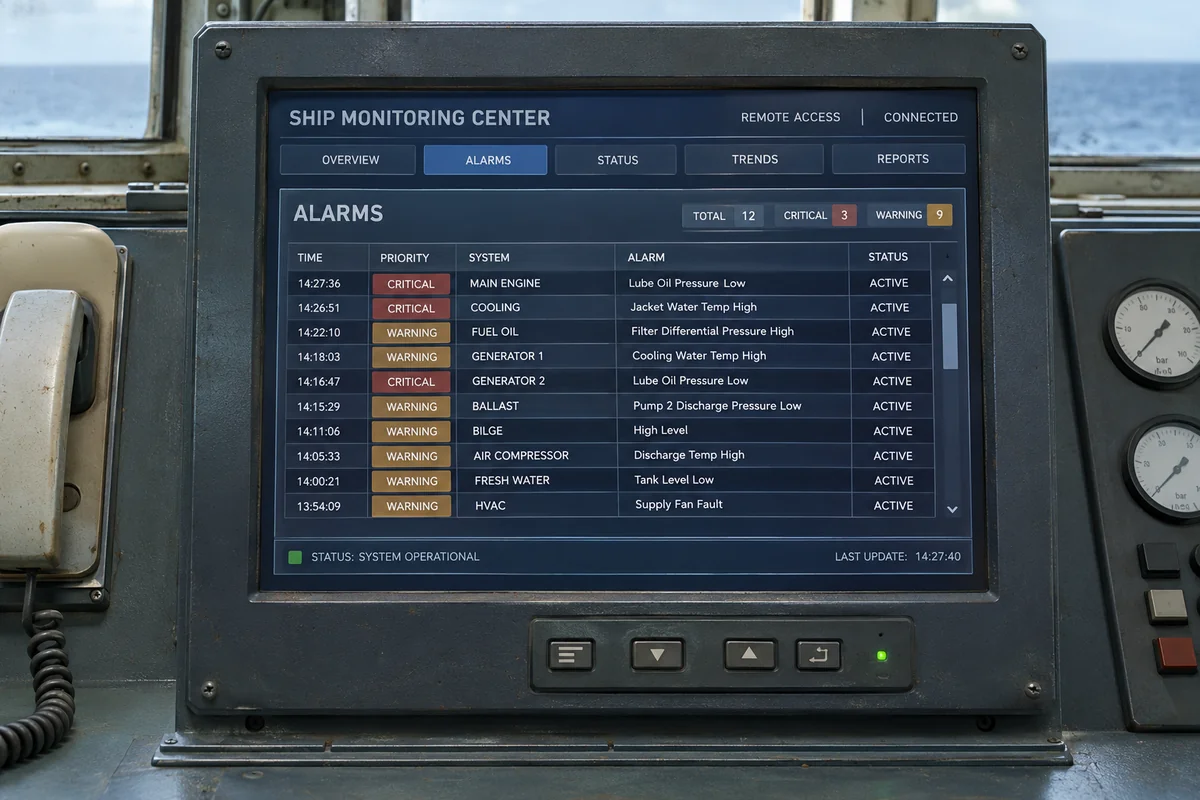
Ship alarm panel
Active alarms, priorities, and alarm history.
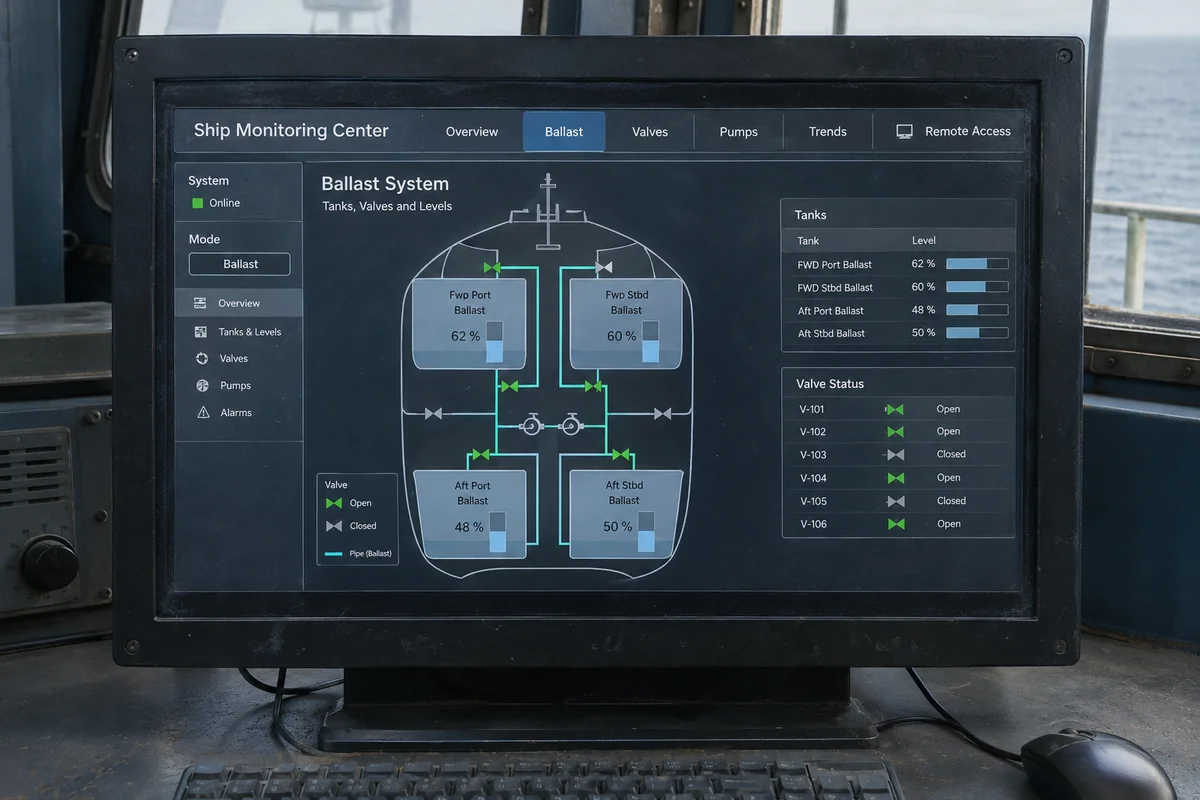
Valve and ballast control
Tank and piping overview, valve positions, and operating status.
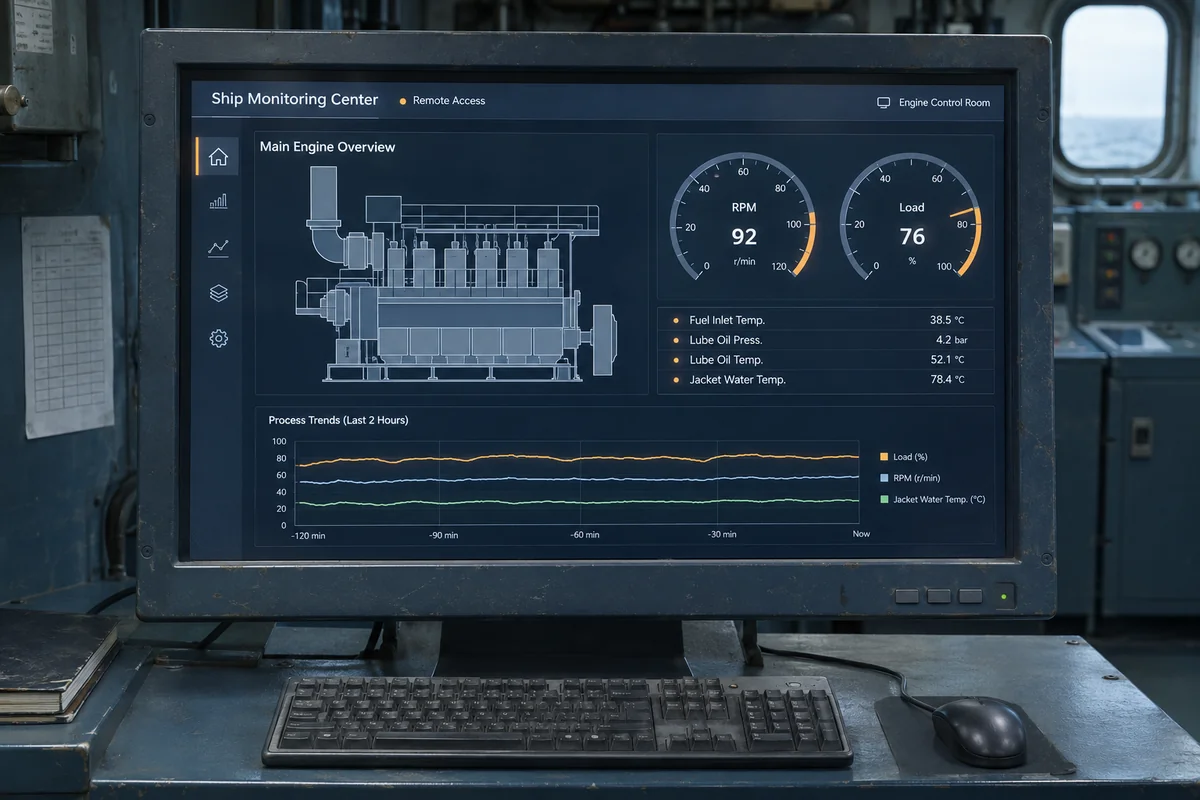
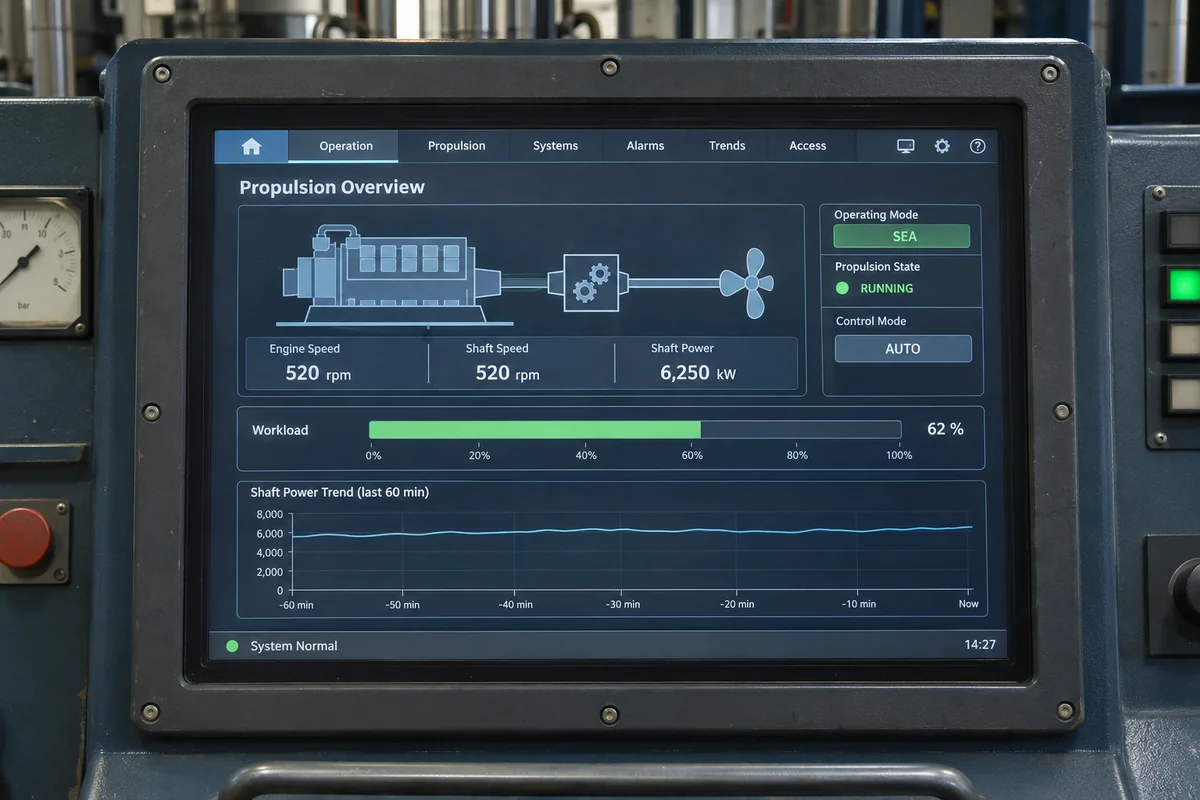
Main engine control
Main engine indicators, operating values, and alerts.
MOP panel
Access engine status and operating indicators at the main operator panel.
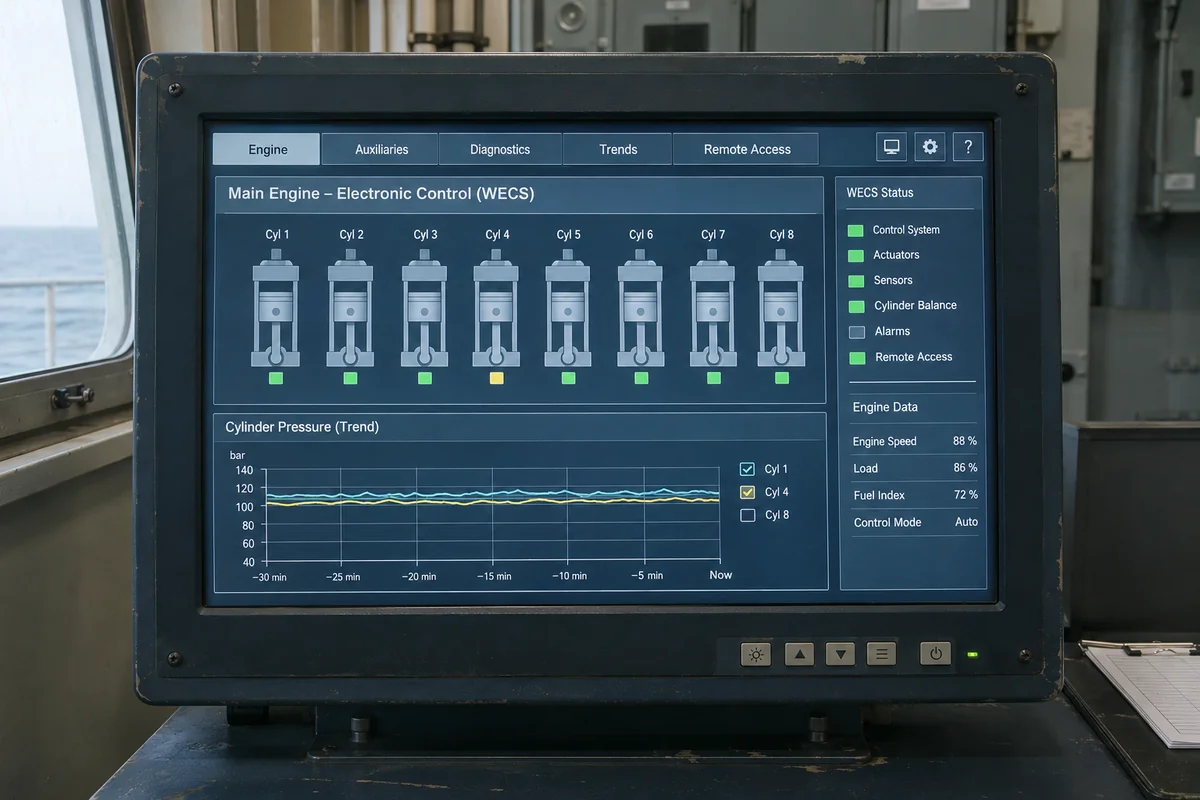
Wärtsilä WECS panel
Access engine control and diagnostics on a compatible operator station.
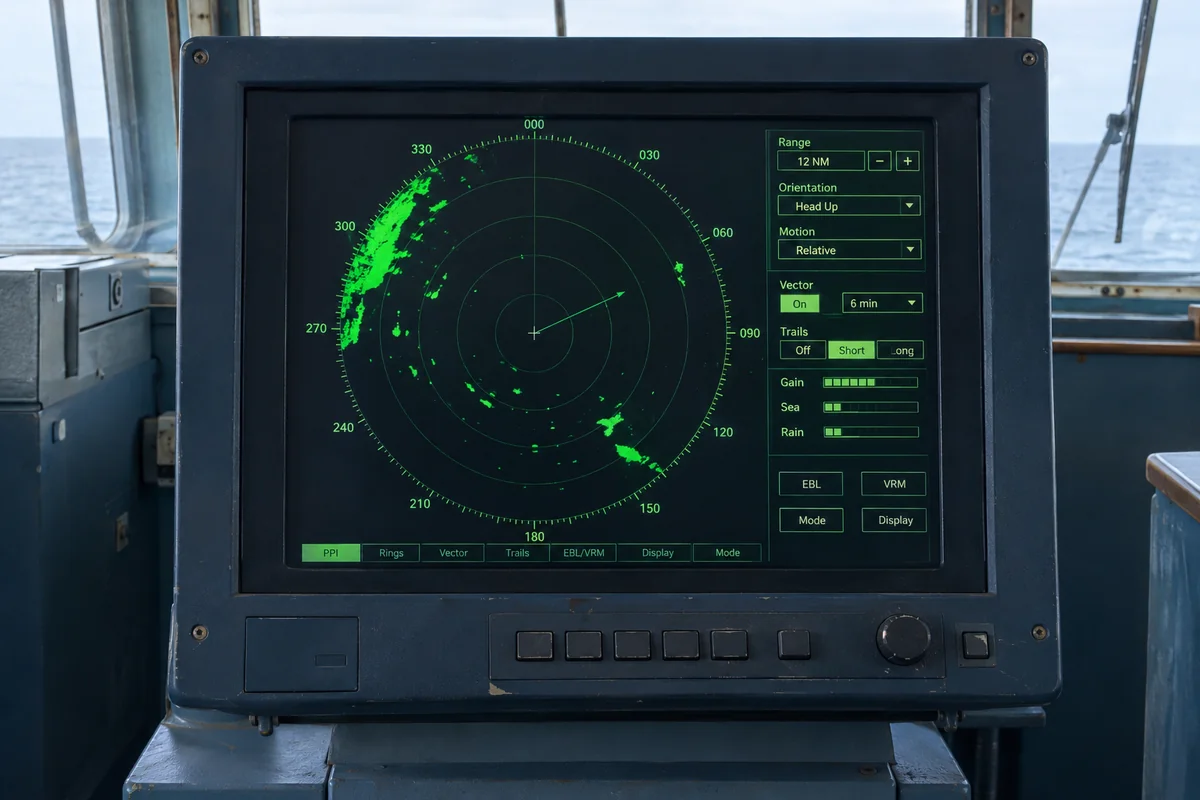
Radar
Bridge radar display, targets, and range view.
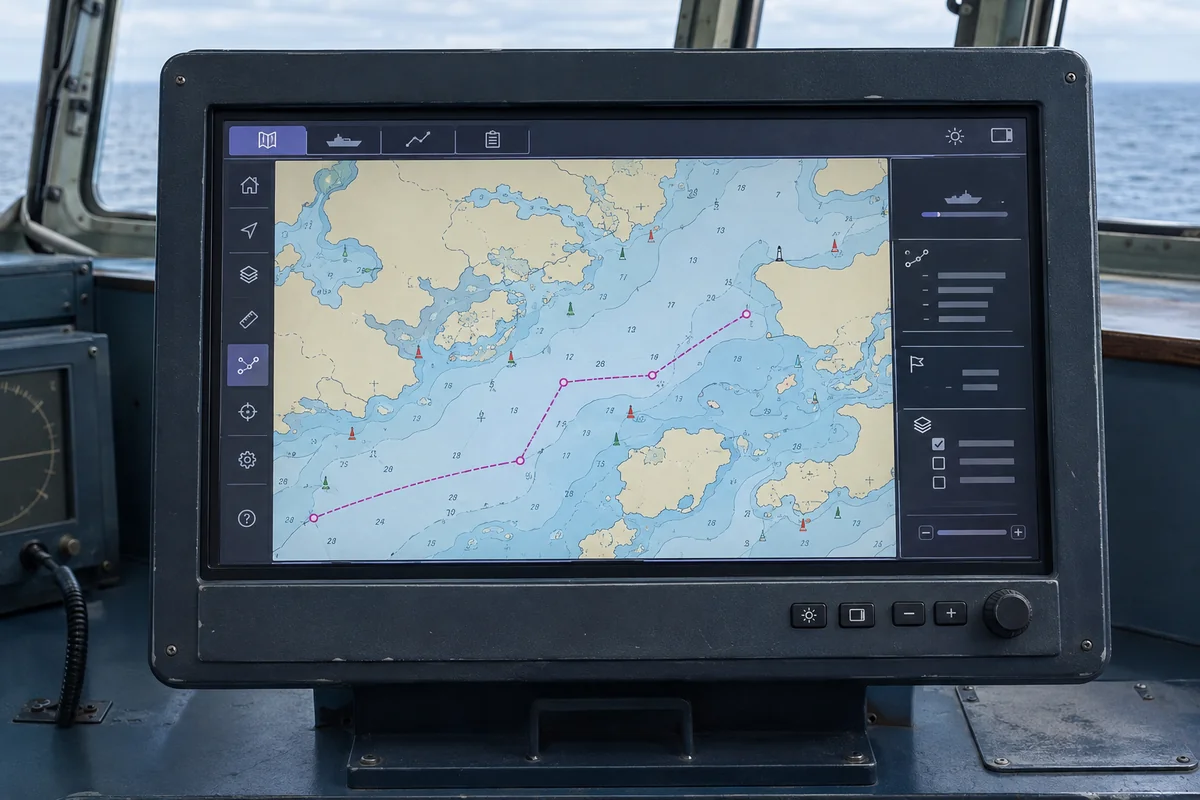
ECDIS
Electronic chart display and route monitoring view.
Cybersecurity and onboard control approval
- Sign-in logs
- All system sign-ins are logged.
- Device access permissions
- Authorized users can connect only to the devices they have permission to access.
- Physical enable button on board
- Before a remote operator can issue commands or change values on valve and ballast controls, ship alarm panels, or MOP panels, the crew must enable remote control using a physical button on board.